

Manage billing
Go to Settings → Billing to view your current plan, update payment details, and change your subscription. Only the workspace owner can manage billing. See Members and roles.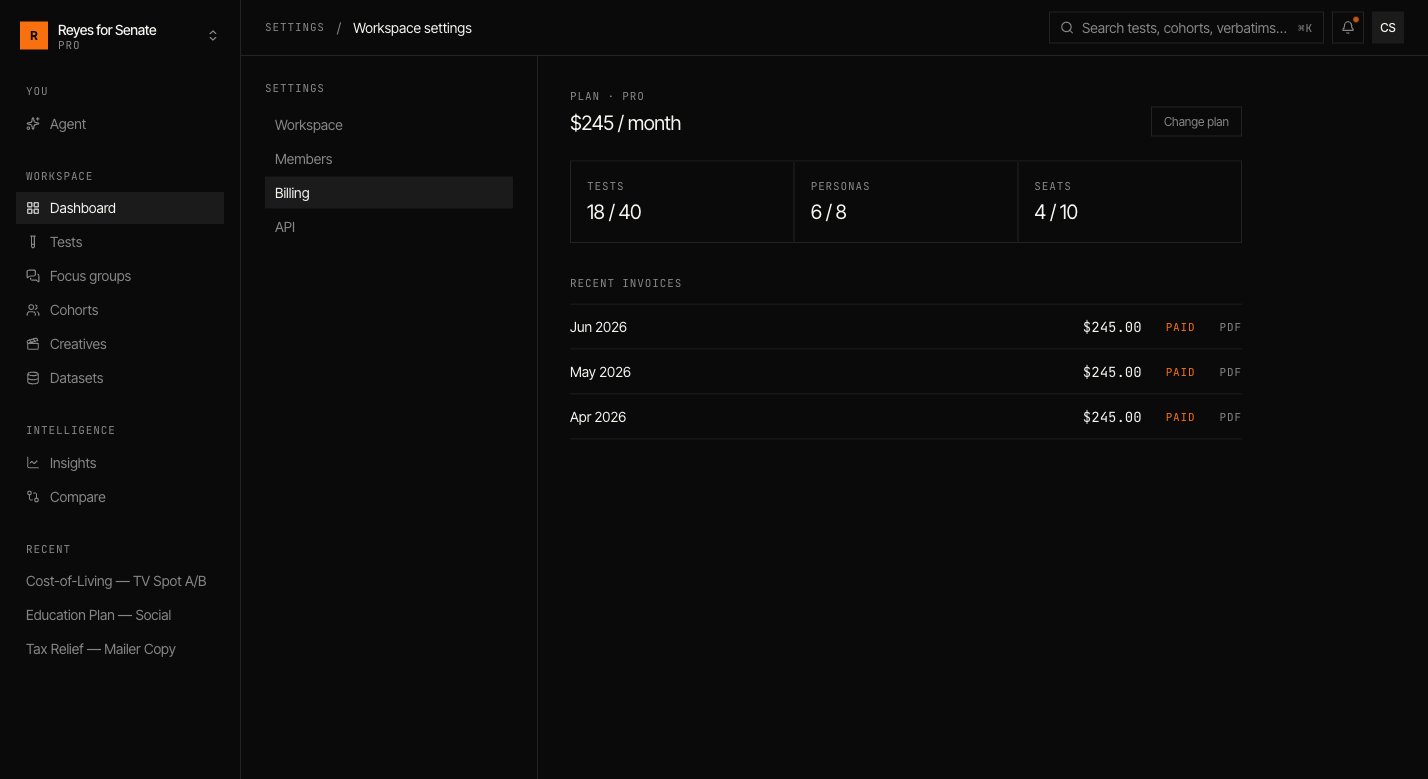
Changing plans
Upgrade when you need more capacity or features such as API access; downgrade or cancel from the same screen. Changes apply to the workspace, so every member benefits from an upgrade immediately.Billing is per workspace. If you run separate workspaces — for example, one per client — each has its own plan and invoices.
Talk to us about plans
Not sure which plan fits? Reach out at support@simulant.tech.