

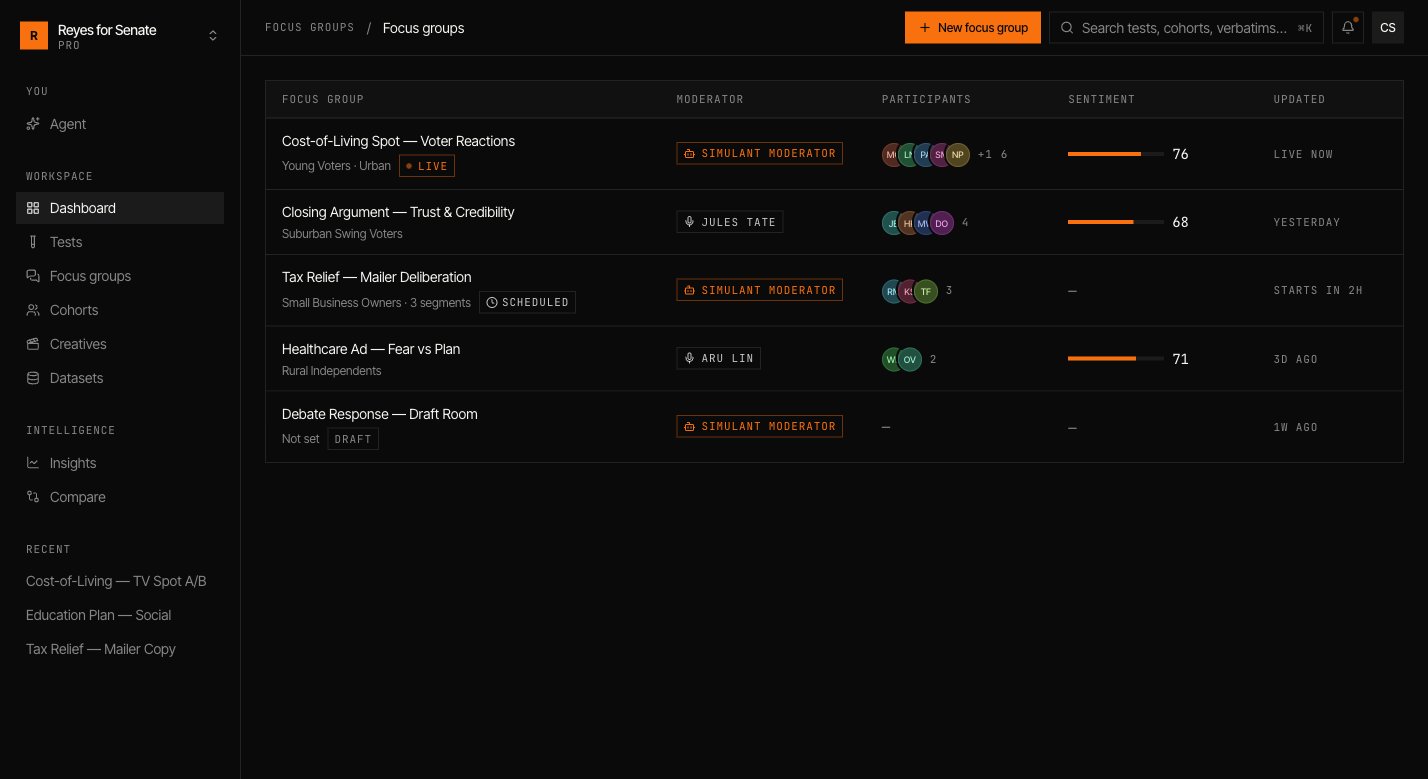
Create a focus group
Go to Focus groups → New focus group and work down the builder.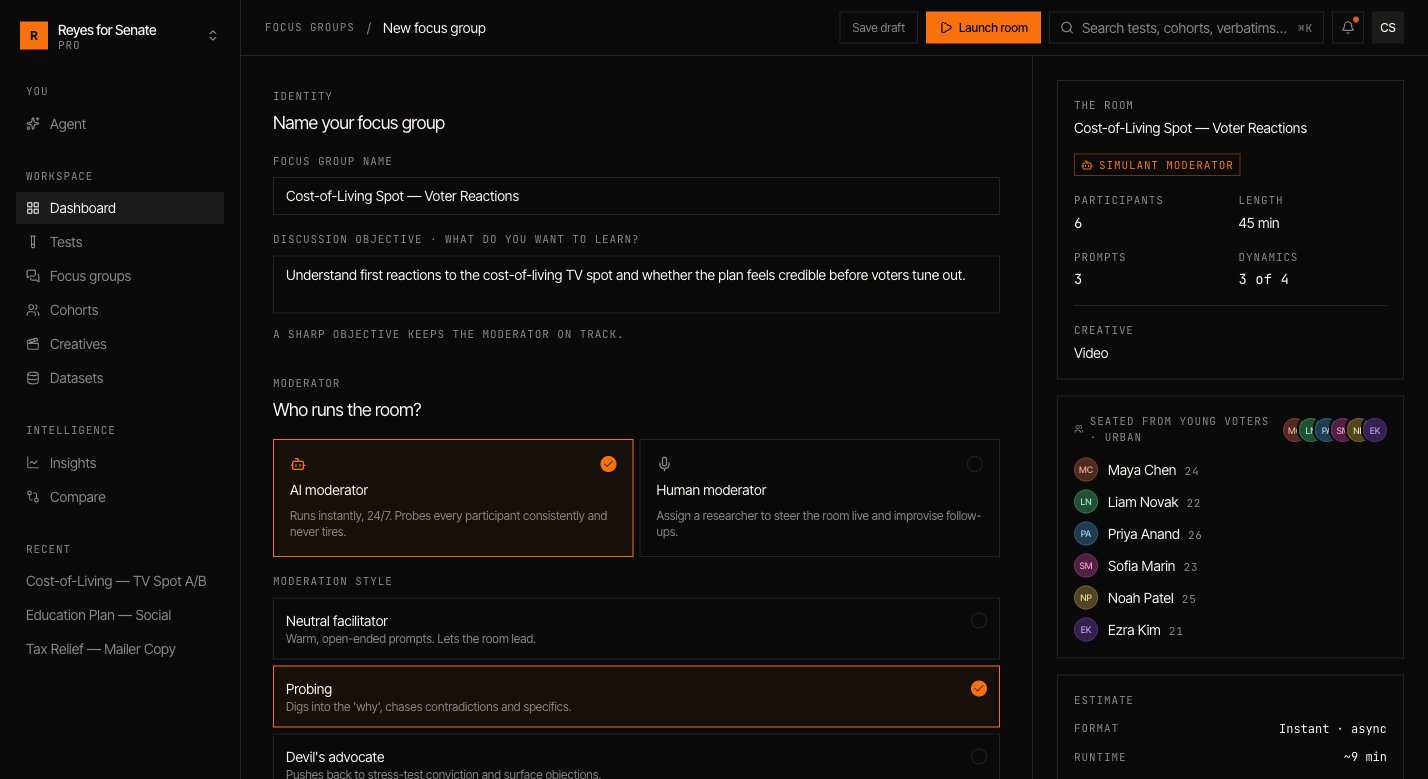
Name it and set the objective
Give the group a name and a sharp discussion objective — what you want to learn. The objective keeps the moderator on track.
Choose a moderator
Pick an AI moderator, which runs instantly and probes every participant consistently, or a Human moderator to steer the room live. For the AI moderator, choose a style such as
probing.Attach a creative (optional)
Turn on test a creative to have the room react to a video, image, or message. See Creatives.
Write discussion prompts
Add the questions the moderator works through, and drag to reorder them. Open, specific prompts spark the best discussion.
Pick the room
Choose the cohort, then select participants from its roster. Five to eight participants is the sweet spot — big enough for real dynamics, small enough to follow.
Launch the room
Click Launch room. The moderator opens with your first prompt and the participants respond, react to each other, and work toward — or away from — consensus.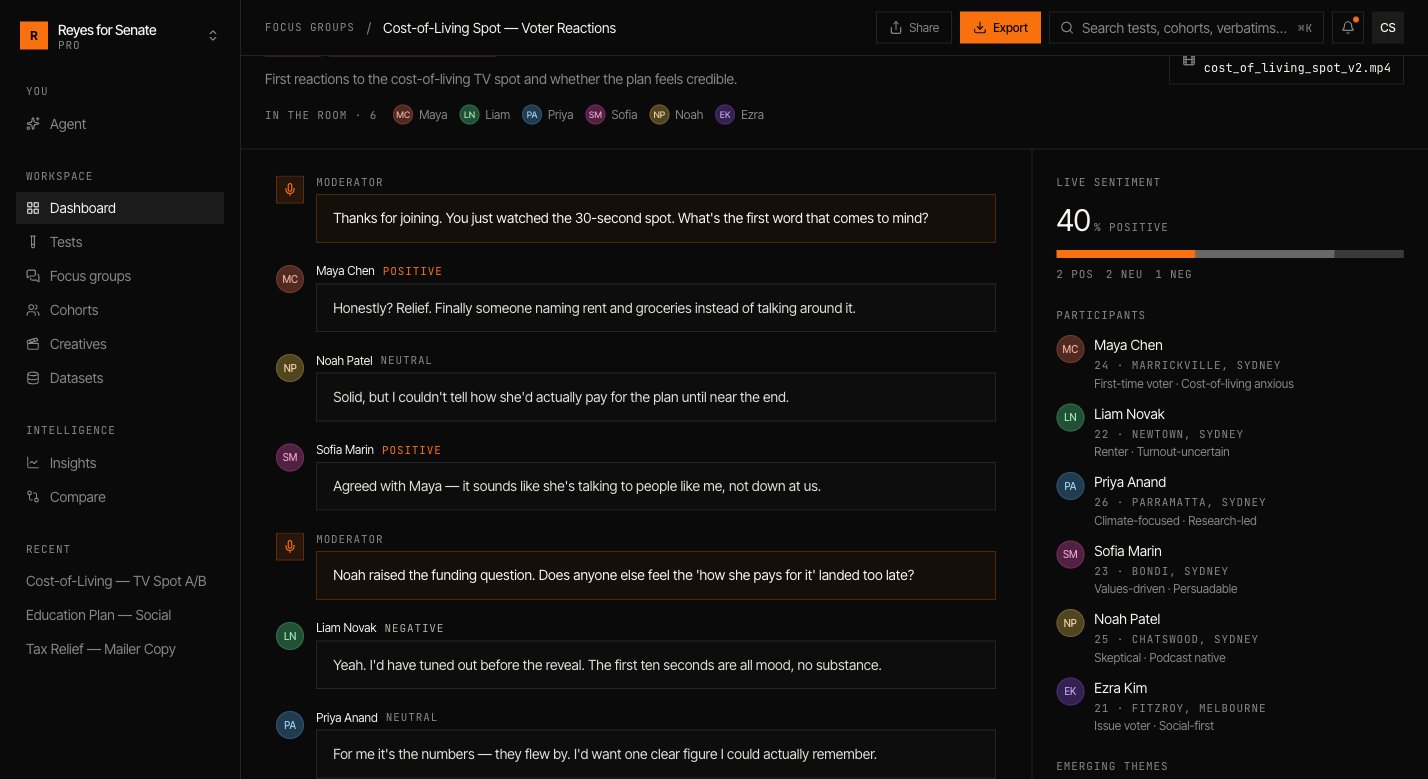
Read the discussion
As the room runs you can follow:- The transcript — the full back-and-forth, attributed to each participant.
- Shifts — where a participant changes position, and what moved them.
- Summary — the throughline of the conversation, the points of agreement, and the live dissent.
Back to tests
Measure the reaction across the whole population.