

Get an API key
Go to Settings → API to view your workspace’s key. From here you can copy the key or rotate it if it’s ever exposed.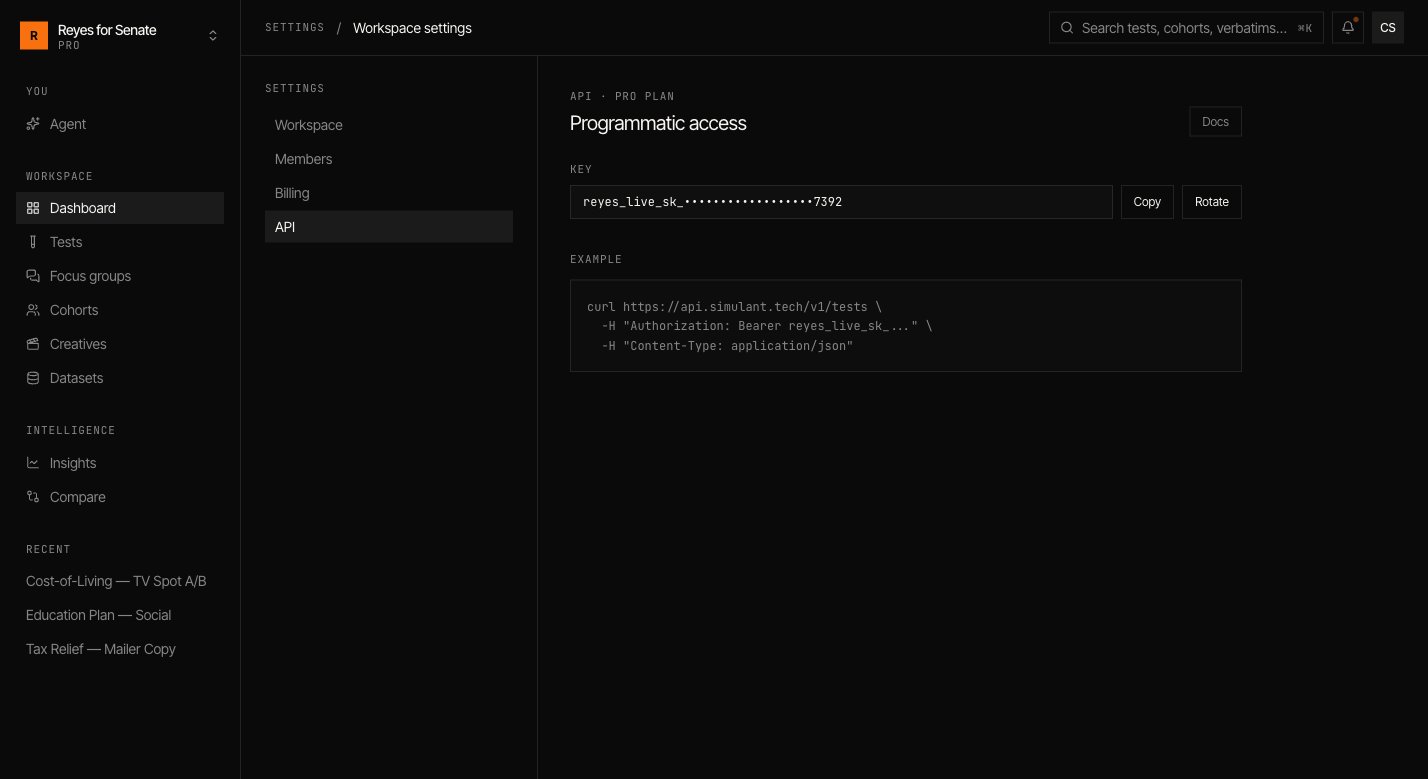
Authenticate
Pass your key as a bearer token on every request:What you can do
The API mirrors the objects you work with in the app — cohorts, tests, and focus groups — so you can:- Kick off a test or cohort run from a pipeline.
- Poll a run’s status and fetch results when it completes.
- Export verbatims and metrics into your own reporting.
Building an integration and need the full endpoint reference? Contact support@simulant.tech and we’ll get you set up.